Factory Reset Procedure
This procedure performs a factory reset using the hardware reset button on the Netgate 5200. This button is located on the rear side of the unit toward the left end, between the power and console connectors and under the power button.
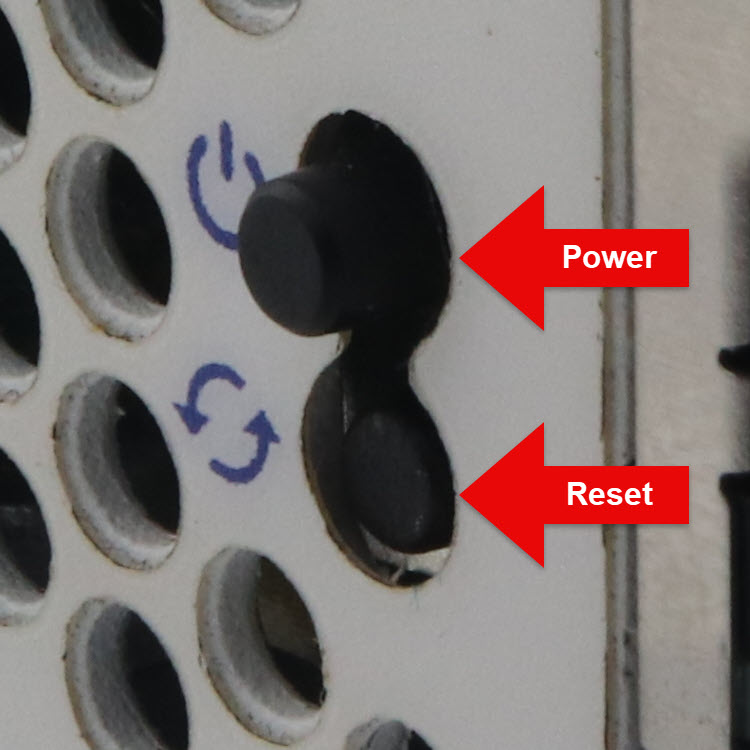
Close-up angle of the power and reset buttons
See also
Input and Output Ports for additional reference photos
The reset procedure on Netgate 5200 can be triggered while the device is running and does not require complicated timing.
Power on the device if it is not already running.
If the device is booting, wait for the Circle LED to turn solid blue.
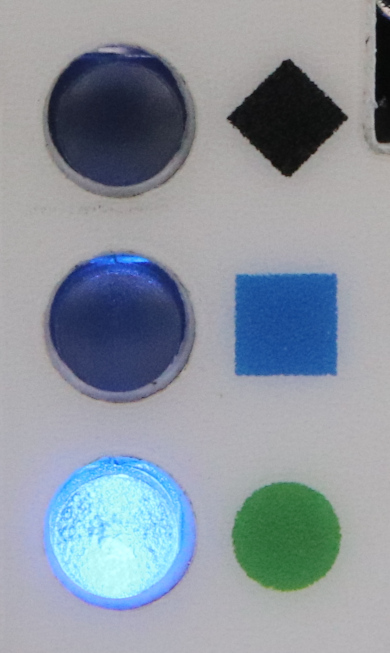
Press and hold the reset button (bottom).
Note
This is the bottom (recessed) button and may require a pen, paperclip, or similar tool to press.
The LEDs will start to fill in red one by one (Circle, Square, then Diamond) while the button is held in the depressed state.
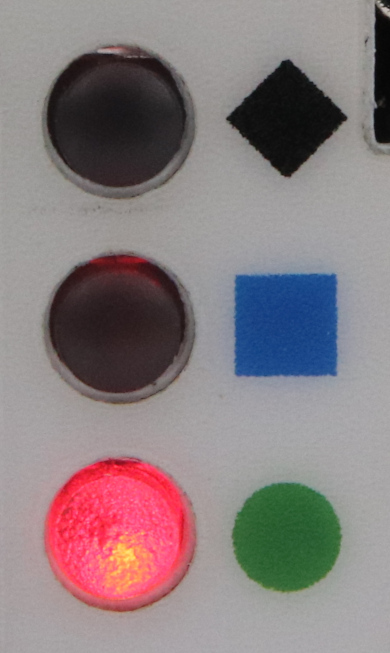
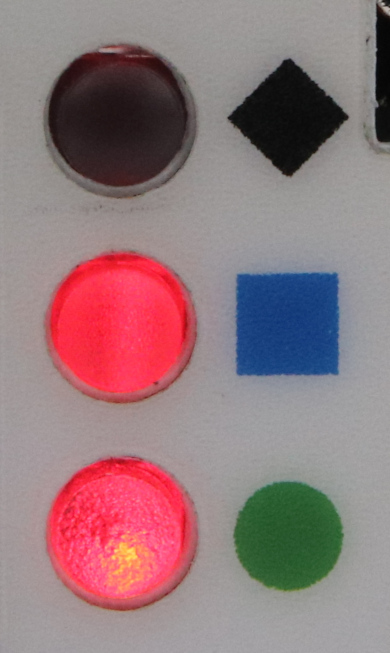
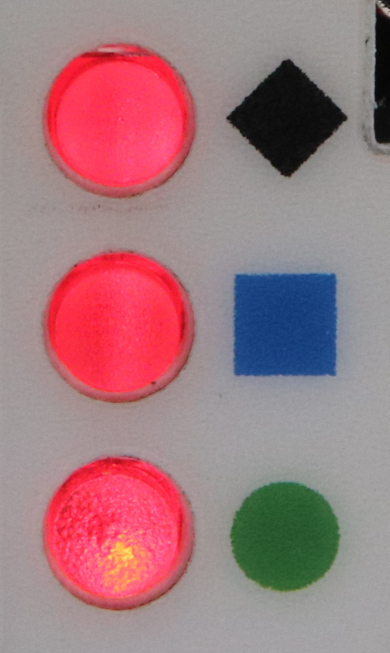
Continue holding in the button until all the LEDs start flashing red.
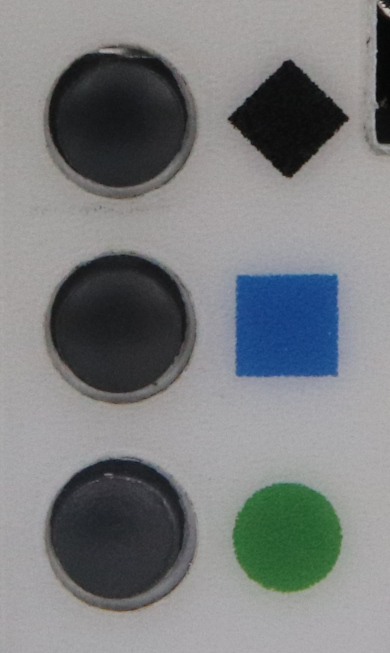
This will take approximately 8 seconds. Once the LEDs start flashing red, the factory reset is in progress and the button can be released. The device will reboot automatically.
To cancel the reset procedure, release the button at any point before the LEDs begin to flash red. The Circle LED will return to a solid blue state indicating that the reset has been canceled.
Wait for the system to complete the reset and finish the boot process.
At the end of the boot process the LEDs will return to the ready state, with the Circle LED solid blue.
When the device boots again it will be at its factory default settings and
accessible from the LAN at https://192.168.1.1.
If this procedure fails, connect to the console and perform a factory reset there.